Compress Images Online
Compress and optimize your JPEG, PNG, WebP, GIF and SVG images. This free online tool uses advanced compression algorithms to reduce file sizes while maintaining quality. All processing happens in your browser – your files never leave your device.
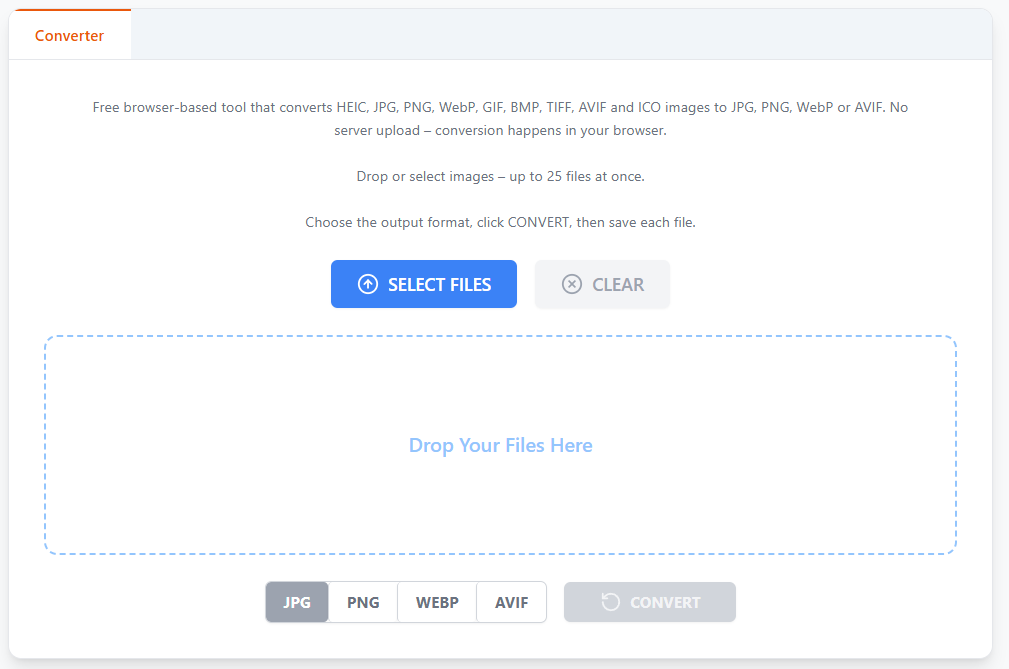
Drop JPEG, PNG, WebP, GIF or SVG images.
Click COMPRESS, then save or adjust quality.
Compress Images Online: Shrink File Sizes Without Losing Quality
Big image files slow down your website, eat up storage, and make emails painfully slow to send. The fix isn’t resizing everything by hand or guessing at settings — it’s using a smart tool built specifically to compress images online while keeping the visual quality your audience expects.
Here’s a full breakdown of how online image compression works, what happens to each file format, and why doing it in your browser is safer than uploading your files to a random server.
What Does This Tool Do?
This free online tool compresses and optimizes JPEG, PNG, WebP, GIF, and SVG images using advanced compression algorithms designed to reduce file size while preserving quality. Unlike most compressors, everything runs directly in your browser — your files never leave your device, and nothing is uploaded to a server.
How It Works
Using the tool is simple:
- Drop your images — JPEG, PNG, WebP, GIF, or SVG
- Click Compress — the tool automatically analyzes each file and selects optimal compression settings
- Save or fine-tune — once processing is done, save immediately or use the comparison view with a quality slider to adjust the result
Each image can be adjusted individually, so a batch of mixed photos, screenshots, and graphics can all get the compression settings they actually need — not a one-size-fits-all setting applied blindly across every file.
How Compression Works for Each Format
JPEG Compression
The tool detects the original quality level directly from the file’s quantization tables, then applies smart compression from there. The default target quality is 80 — a strong balance between file size and visual quality for most photos. Prefer more control? Use the slider:
- Higher values preserve more detail but produce larger files
- Lower values create smaller files with more visible compression artifacts
Need even smaller files than JPEG can offer? Converting to WebP or AVIF typically produces a meaningfully smaller result at the same visual quality.
PNG Optimization
PNG images are converted to PNG8 format with up to 256 colors — ideal for web graphics, icons, logos, screenshots, and illustrations where the color palette is naturally limited. Transparency is fully preserved throughout the process. The Colors slider lets you reduce the palette even further for additional compression when you don’t need the full 256-color range.
One caveat: if your PNG is a photograph or contains smooth gradients with a wide range of colors, PNG8’s limited palette may not be the best fit. In those cases, converting to JPG or WebP usually delivers better results.
WebP Compression
WebP files are compressed using lossy compression similar to JPEG, but more efficiently — typically achieving 25–35% smaller file sizes than JPEG at equivalent visual quality. The same quality slider used for JPEG applies here, letting you dial in the exact balance between size and clarity.
GIF Optimization
Animated GIFs are optimized by analyzing and reducing the color palette while fully preserving all animation frames. The Colors slider controls the maximum palette size, from 2 up to 256 colors. Reducing the color count can dramatically shrink file size — especially for animations built from simple graphics rather than complex photography. For animations that still need to be smaller, converting GIF to WebP animation usually delivers a significant additional size reduction.
Privacy & Security
All processing happens entirely in your browser using WebAssembly technology. That means:
- No uploads to any server
- No data collection
- No privacy concerns about who has access to your files
- Automatic metadata removal — EXIF data, GPS location tags, and camera info are stripped from every compressed image automatically
This last point matters more than people realize: photos taken on smartphones often embed GPS coordinates and device details by default. Compressing your images here removes that metadata as a built-in side effect, adding a privacy benefit on top of the smaller file size.
Free & Unlimited
There’s no registration, no daily limits, and no watermarks slapped onto your images. Compress as many files as you need, as often as you need, at no cost — whether you’re a casual user shrinking a few vacation photos or a professional optimizing hundreds of images for a client’s website.
Why File Size Matters
- Faster websites — smaller images mean quicker page loads, which improves both user experience and SEO rankings
- Lower storage costs — especially relevant for sites with large image libraries or limited hosting plans
- Faster uploads and emails — no more waiting on a slow attachment to send
- Better mobile experience — compressed images load faster on slower mobile connections, keeping visitors from bouncing off a sluggish page
Frequently Asked Questions
Will compressing my images reduce their quality?
Some compression is lossy by nature (JPEG, WebP), but the default settings are chosen to balance file size and visual quality so the difference is rarely noticeable. You can also use the slider for full control.
Is it safe to compress images online?
Yes — since all processing happens in your browser via WebAssembly, your files are never uploaded to a server, keeping them completely private.
Does compression remove personal metadata from my photos?
Yes, EXIF data including GPS location and camera information is automatically stripped from every image during compression.
Can I compress animated GIFs without breaking the animation?
Yes, the tool reduces the color palette while preserving all animation frames, so your GIF still plays correctly after compression.
Is there a limit to how many images I can compress?
No — the tool is free and unlimited, with no registration or daily caps.
Final Thoughts
Whether you’re optimizing photos for a faster website, shrinking a batch of screenshots, or reducing an animated GIF for easier sharing, compressing images online should be quick, free, and private. With browser-based processing, automatic metadata removal, and format-specific optimization for JPEG, PNG, WebP, and GIF, this tool handles the technical work — so you just drop, compress, and download.