
Table of Contents

- AI Physical Disconnect for Battery Health:Unlike standard software limits, this device uses AI intelligent recognition to physically disconnect the charging circuit once your device reaches full capac…
- 360° Dual-Channel Safety Protection:Built with an independent split structure and dual-channel isolation design, the protector ensures a reliable physical power-off every cycle. Beyond the mechanical …
- Universal USB-C Compatibility:Designed to work seamlessly with any USB-C hardware, from iPhone 15/16 and Samsung flagships to MacBooks and Steam Decks. The dual-current identification mode ensures a p…
140W Smart Auto Disconnect Charging Cable Protector: Do You Actually Need One?
(Affiliate Disclosure: Some of the links in this article are affiliate links. If you purchase through these links, Gadget Earth may earn a small commission at no extra cost to you. We only recommend sustainable gear, off-grid tech, and resources we rigorously evaluate. As an Amazon Associate, we earn from qualifying purchases.)
If you are trying to make your tech last longer to reduce e-waste, preserving battery health is your top priority. Lately, the market has been flooded with a highly specific accessory: the Stop Charge Smart Charger, 140W Smart Auto Disconnect Charging Cable Protector, Full Charge Eject Device.
But do these adapters actually save your battery, or are they just a marketing gimmick?
Do you need a 140W smart auto-disconnect charging cable protector? For modern smartphones and laptops, a physical auto-disconnect adapter is largely unnecessary because modern devices feature built-in Battery Management Systems (BMS) that automatically stop drawing power at 100%. However, these adapters are highly effective at preventing “trickle-charge micro-cycling” and reducing excess heat if you leave your devices plugged in 24/7.
Before you add an overcharge protection adapter to your travel kit, here is the actual science behind how they interact with your lithium-ion batteries.
The Myth of the “Overcharged” Battery
The biggest selling point of a “Stop Charge” device is that it prevents your phone or tablet from “overcharging” and exploding.
This is a myth based on outdated technology. 20 years ago, older nickel-cadmium batteries could be overcharged if left plugged in. Today, every modern device (from an iPhone 16 to a 140W MacBook Pro) uses lithium-ion batteries paired with a smart BMS chip.
When your phone hits 100%, the internal chip acts as a digital gate. It automatically cuts off the electrical current from the wall. Your phone physically cannot overcharge itself, even if you leave it plugged in for three days straight.
What a Smart Auto-Disconnect Adapter Actually Does
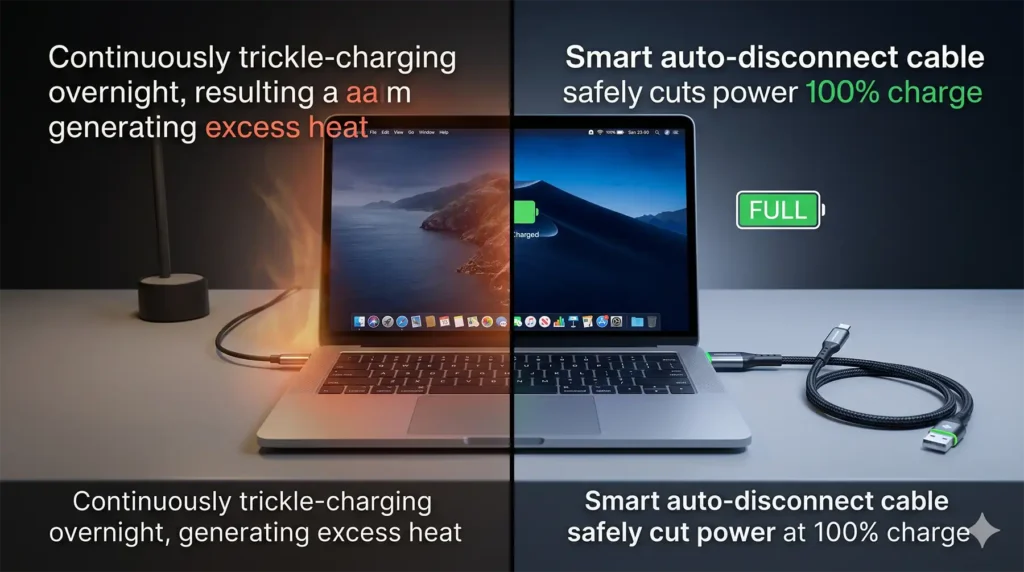
If your phone already stops charging at 100%, what does an external “Full Charge Eject Device” or auto-disconnect cable actually do? It solves a secondary problem called micro-cycling.
When you leave your phone plugged in overnight, it hits 100% and stops charging. An hour later, background apps drain the battery down to 99%. The charger kicks back on, pushing it to 100%. It does this over and over again all night.
This constant “trickle charging” generates heat, and heat is the absolute worst enemy of a lithium-ion battery.
A smart auto-disconnect cable features a microchip in the connector tip. When it senses that the device has reached 100% and the current draw drops, the cable physically severs the connection. It acts as a hard “off” switch, preventing the charger from constantly waking the battery up to top it off.
The 140W Factor: Why Wattage Matters
You will see many of these protectors specifically marketed as “140W” adapters. This is crucial for digital nomads and remote workers.
- Standard Phones: Only require 20W to 45W of power.
- Modern Laptops: Devices like a 16-inch MacBook Pro require massive amounts of power (up to 140W Power Delivery 3.1) to charge efficiently while you are running heavy editing software or CAD programs.
If you buy a cheap, low-grade auto-disconnect cable, it will throttle your charging speed, taking hours to charge a laptop. A 140W-rated smart adapter ensures that the “stop-charge” microchip inside the cable can safely handle massive electrical loads without melting or bottlenecking your charging speeds.
- AI Physical Disconnect for Battery Health:Unlike standard software limits, this device uses AI intelligent recognition to physically disconnect the charging circuit once your device reaches full capac…
- 360° Dual-Channel Safety Protection:Built with an independent split structure and dual-channel isolation design, the protector ensures a reliable physical power-off every cycle. Beyond the mechanical …
- Universal USB-C Compatibility:Designed to work seamlessly with any USB-C hardware, from iPhone 15/16 and Samsung flagships to MacBooks and Steam Decks. The dual-current identification mode ensures a p…
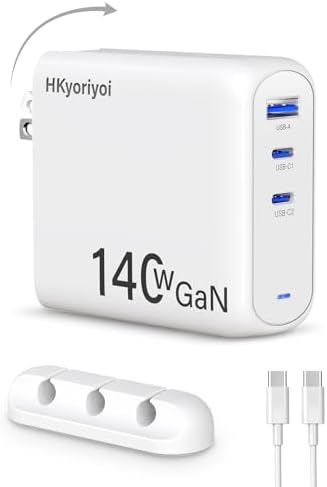
- 【PD3.1 140W Super Fast Charging】This 140W USB-C charger delivers an impressive 140W maximum output power and multi-port PD3.1 fast charging. With this 140W charger, you can quickly charge your MacBook…
- 【3-in-1 Multi-Port Charging】This 140W USB-C charger features two PD3.1 USB-C ports and one USB-A port, allowing you to charge two 14-inch laptops and a mobile phone simultaneously. This 140W GaN charg…
- 【Official FCC and UL Dual Certification for Safety and Reliability】The HKyoriyoi 140W charger has received FCC and UL dual certifications, which exceed industry standards. With GaN+ technology, this 1…

- 【Safer Global All-in-One Adapter 】This travel adapter worldwide seamlessly integrates global charging standards, ×No daisy-chained adapters needed. It features 4 plug types compatible with the sockets…
- 【6-In-1 Universal Travel Adapter】This universal power adapter features 3 USB-C and 2 USB-A ports (supports PD3.0/QC3.0) delivering up to 70W fast charging. All 5 USB ports charge simultaneously with i…
- 【GaN 70W PD Fast Charging】70W is optimal power for universal full-speed charging. USB-C1 Alone enables 70W fast charging and supports PD3.0. The travel plug adapter has advanced stacking & GaN technol…
The Gadget Earth Verdict
Do we recommend buying a Stop Charge Smart Auto-Disconnect Adapter?
Yes, but only under specific circumstances:
- You leave your laptop plugged in 24/7: If you use a laptop as a permanent desktop replacement and never unplug it, an auto-disconnect adapter is a great way to prevent the battery from swelling over the years due to constant micro-cycling and heat.
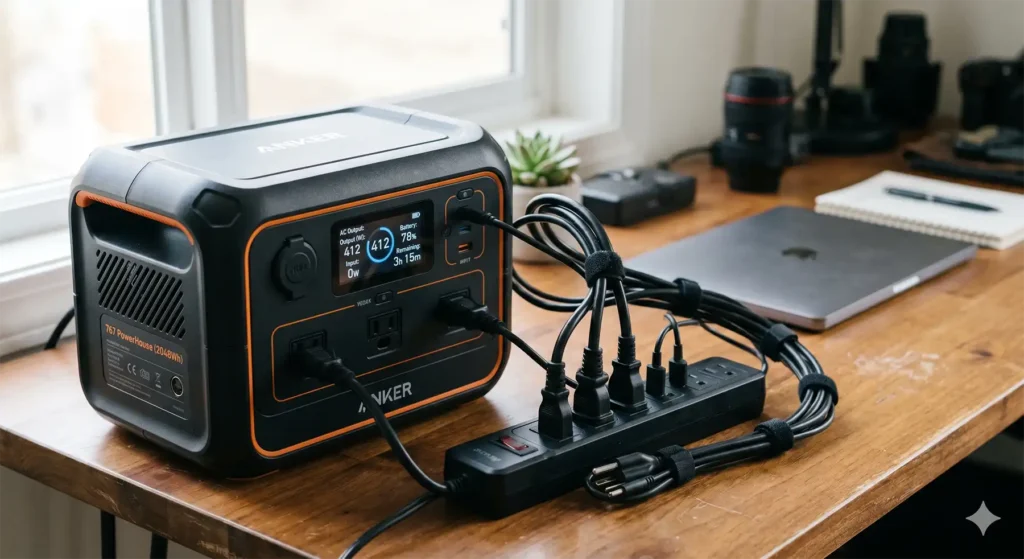
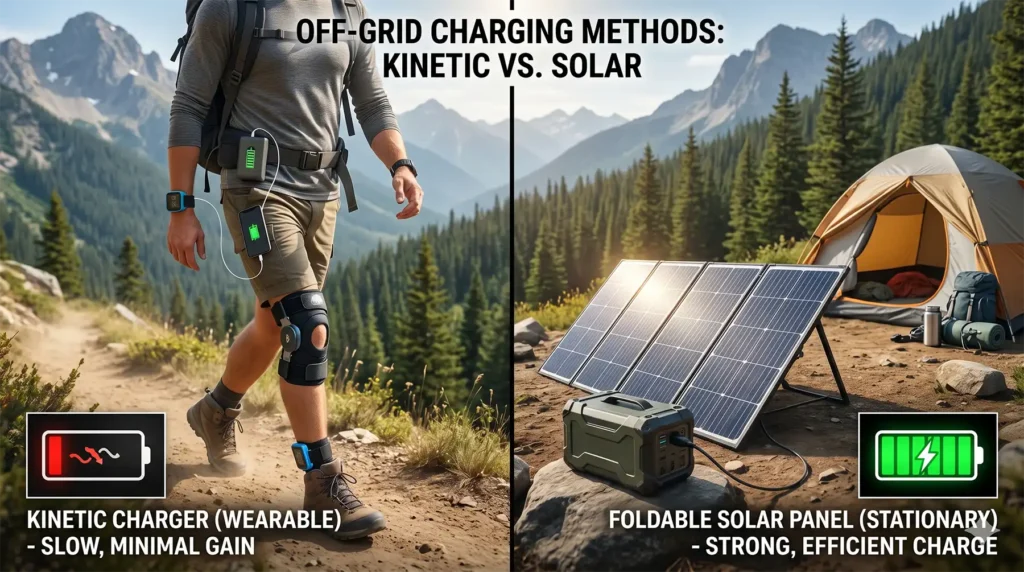
- You charge older tech off-grid: If you are charging older drones, flashlights, or power stations that lack sophisticated internal power management, an external overcharge protector is a fantastic safety net.
However, for your daily smartphone: You do not need one. Apple and Android now feature “Optimized Battery Charging” in their software, which artificially holds your battery at 80% overnight and only finishes the charge right before you wake up. This software solution eliminates the need for a physical “eject” cable.
Hi http://gadgetearth.net,
I checked your website recently. Your design looks professional, but your website visibility on search engines is quite low.
We can help improve your rankings and increase organic traffic through SEO.
If interested, please share your WhatsApp number so I can send our work samples, pricing, and strategies.
Looking forward to your reply.
Warm regards,
Eliana
Hi,
I was checking your website, and saw you have a good design and it looks great, but it’s not ranking on Google and other major search engines.
With your permission : I would like to send you a SEO Proposal with prices showing you a few things to greatly improve these search results for you. These things are not difficult.
It will show you exactly what needs to be done to move you up in the rankings dramatically.
May I send you a best quote?
Thanks,
Sabia Khan